
Have you ever wondered how many weight plates you need to put on the barbell to get the target weight you want?
Subscribe “Burn.Fit PRO” and set your weight easily and conveniently!
Just enter your target weight and the Barbell supporter will automatically yell to you which plates and how many plates you need to put on the barbell.

Automatic barbell calculation with Burn.Fit Barbell supporter!
.png&blockId=63a678cf-d22b-4f1e-ba9c-f7971c7a23d8)
What is Barbell supporter?
A barbell is the best workout tool to build strength and muscle. As long as you have various types of plates, you can 1) set the desired weight 2) set the heavyweight to progressive overload.
However, as the weight increases, the difficulty of adding the right weight on the barbell with the right calculation gets difficult. The process of removing and adding small plates with correct calculation gets you to hate working with a barbell.
To solve this problem, we have prepared a Barbell supporter to automatically calculate the target weight with the right plates.
How to use Barbell supporter
1.
At the workout plan page, click on the set number of the set you wish to use barbell supporter
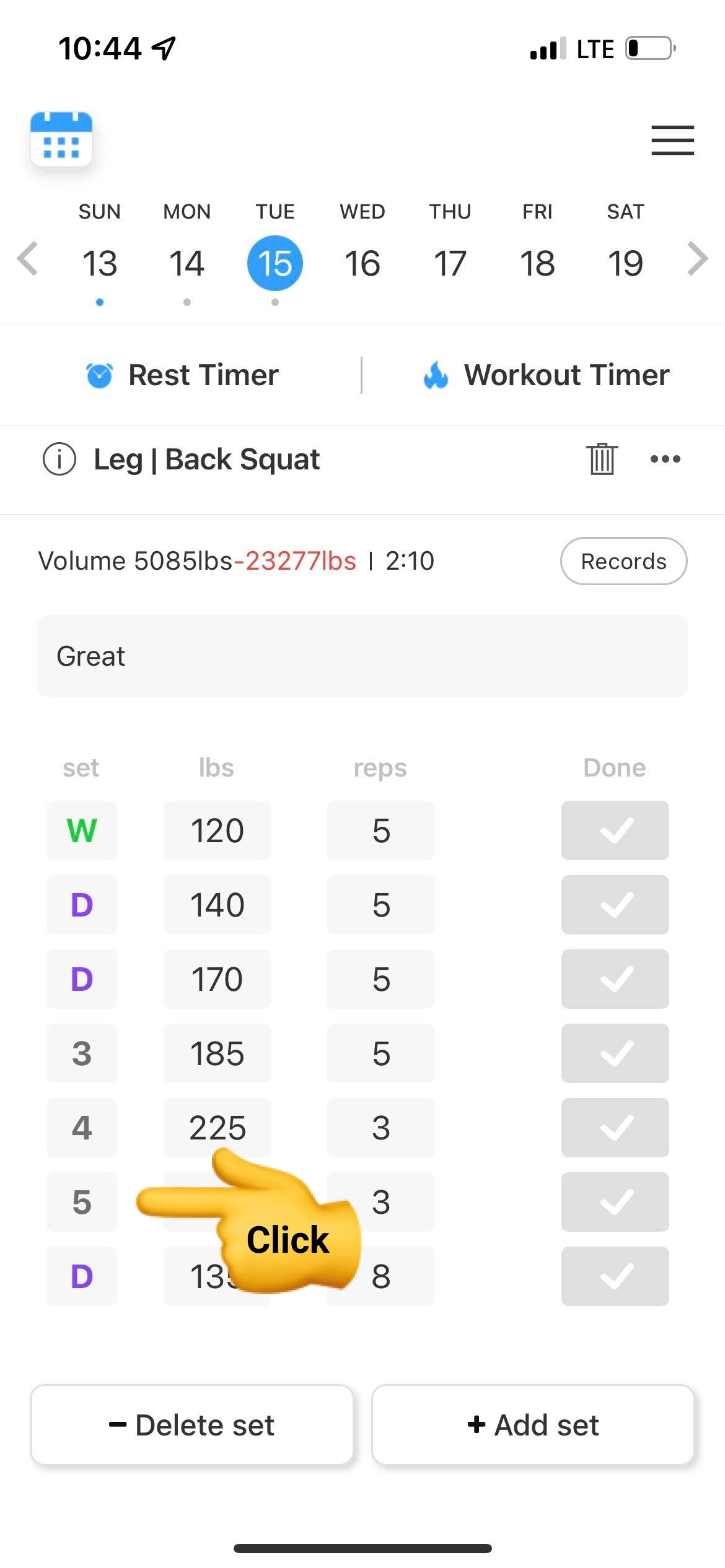
2.
You can check the calculated barbell supporter through preview.
If you want to change the type of barbell or plates, you can set options by clicking “>”.
.jpg&blockId=3e0adf7f-0301-4ad9-a1c6-a260c47a72ce)
3.
In the options, you can choose the type of barbell you use.
•
Standard(20kg)
•
Thin (15kg)
•
Short (10kg)
•
Ez-bar(5kg)
You can also choose the type of plates you currently have.
.jpg&blockId=5be1f7e0-9295-4537-93b0-d5052ab6e114)
4.
Click the barbell and plates to turn on the availability.
We’ll help you set the weight you want with the tools you have.